
App Support

Questions, bugs or ideas about one of my apps? Send me an email and I'll get back to you, usually within two working days.

info@danijelbrecelj.com

Please include the app name, your device and its OS version.

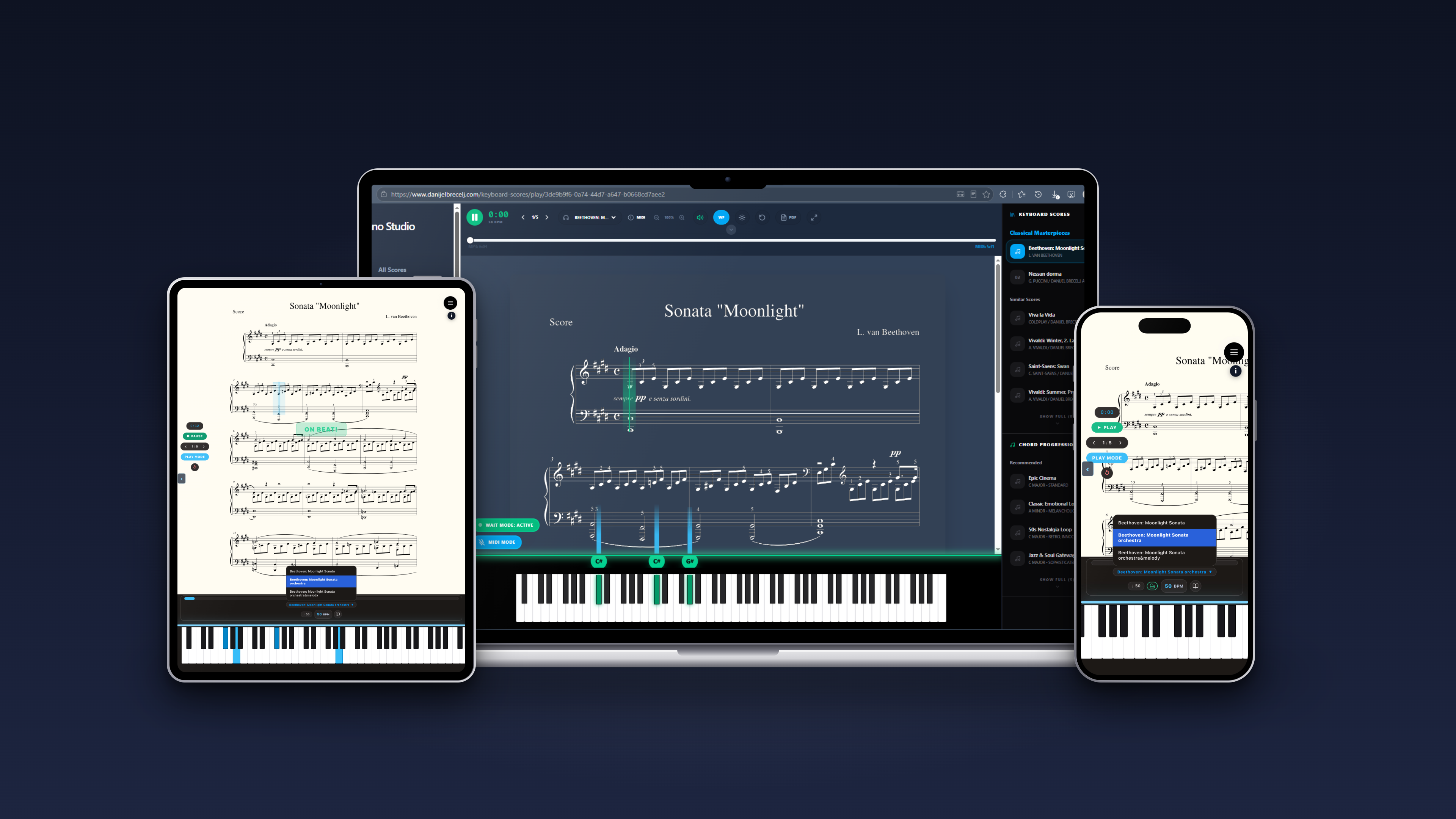
Play Piano Academy on laptop, iPad and iPhone
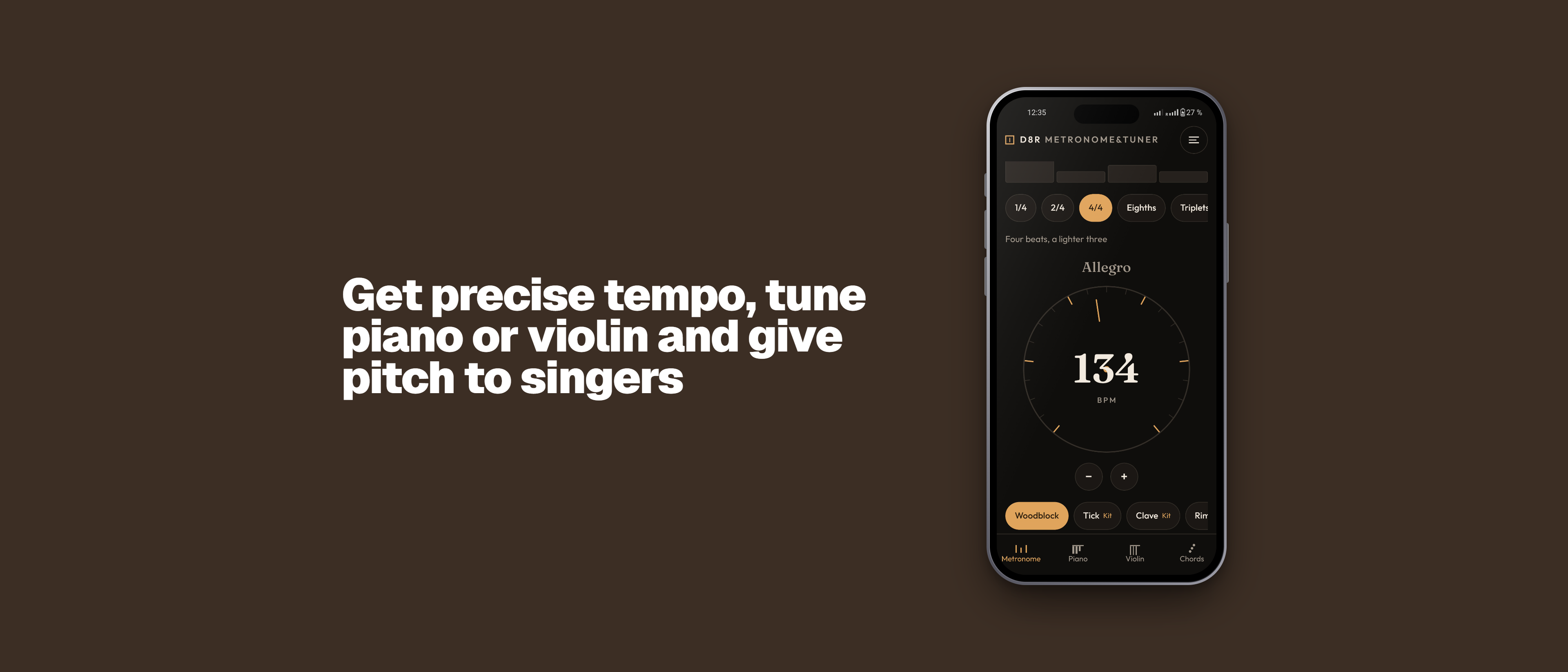
D8R Metronome & Tuner banner
D8R Metronome & Tuner icon

D8R Metronome & Tuner

D8R Metronome & Tuner is the companion tool for musicians, music students, choir masters and others. It is great for keeping you in tempo, tuning your instrument, practising with a metronome or giving the pitch to your choir.

  • Professional Metronome: Keep perfect time. Easily adjust tempo (BPM) and customize time subdivisions to fit your practice routine.
  • Chromatic Tuner: Highly accurate audio processing with dual modes. Use Listening Mode to tune your instrument via microphone, or Play Mode to sound reference pitches. Supports Piano, Guitar, Violin, and Woodwinds.
  • Chords Player: Select any chord and quality (Major, Minor, etc.) to instantly see the chord shape highlighted on an interactive piano keyboard. Play the chord as a block or arpeggio, or play custom notes or chords on the piano keyboard.
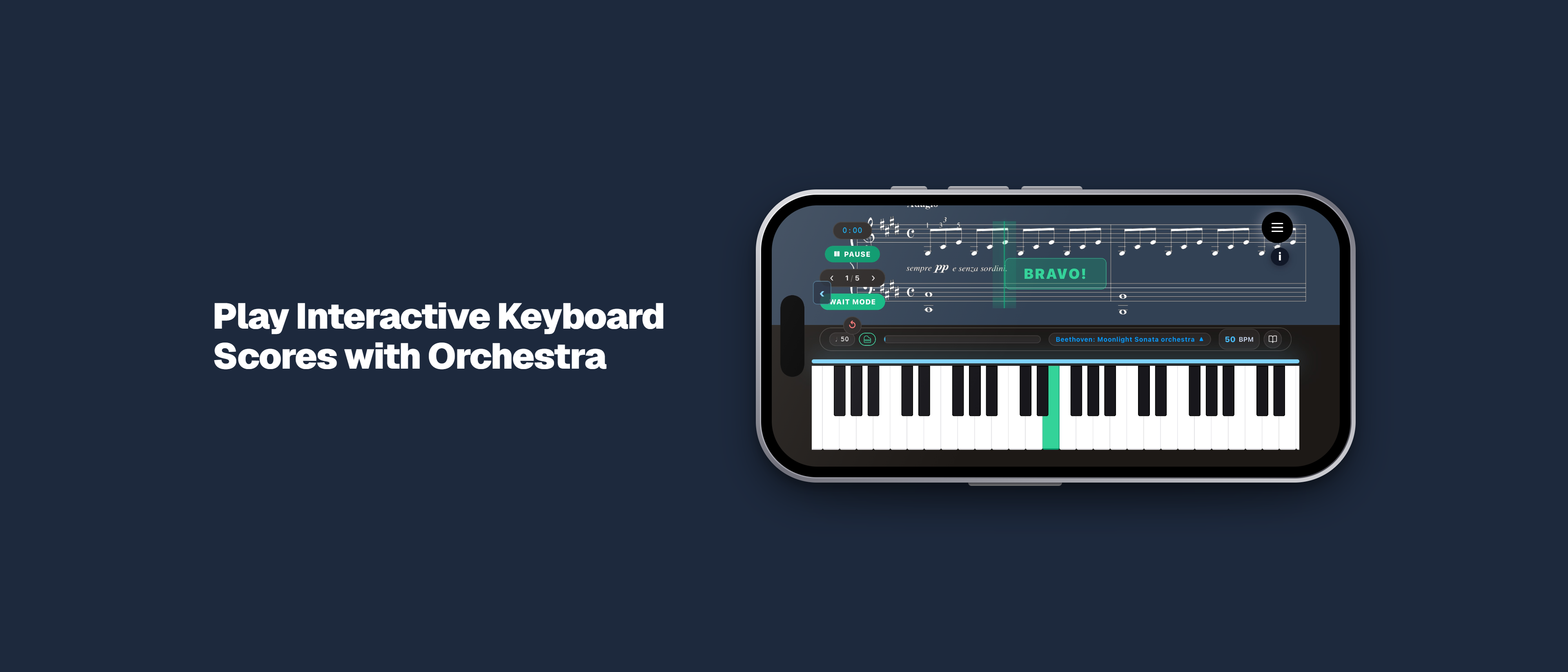
Play Piano Academy banner
Play Piano Academy icon

Play Piano Academy

Learn piano and play your favorite pieces with Play Piano Academy—the interactive practice partner designed to help you bring piano sheet music to life.

  • Play Your Favorite Music: Explore a vast library of classical hits, transcriptions, and piano methods for beginners.
  • Interactive Keyboard Player: Follow along with a visual on-screen piano keyboard and scrolling score sheets that stay perfectly in sync. You will always know exactly which notes to play. Plug in a real digital piano keyboard for more control.
  • Practice with "Wait to play" mode: Learn at your pace with the keyboard showing you which notes to press.
  • Orchestra backing tracks: Experience performing with orchestra. Play along with professional orchestral tracks that make your practice sessions feel like a live concert.
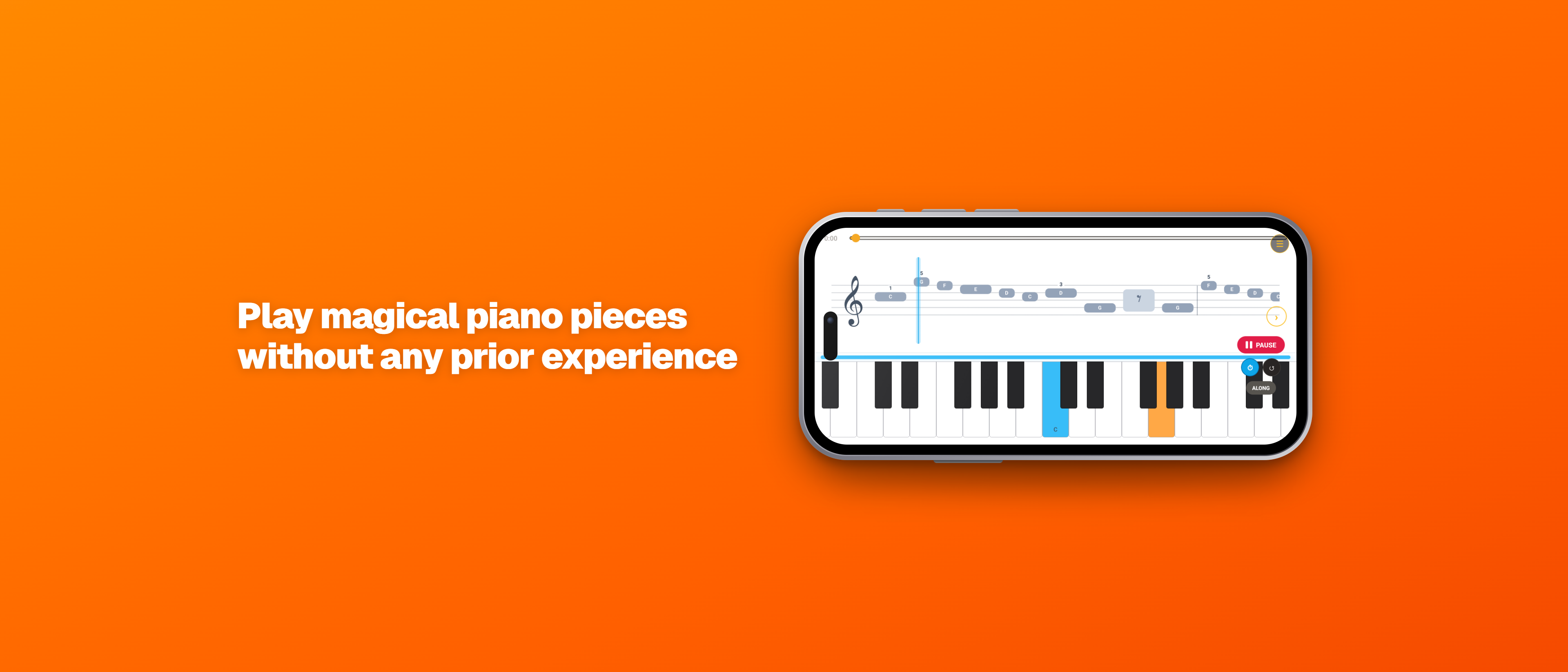
Simple Magic Piano banner
Simple Magic Piano icon

Simple Magic Piano

With the Simple Magic Piano app, experience the simplest and most magical way to play the piano and play your first piece within 10 minutes. You don't need to know how to read sheet music — simply follow the visual instructions and sound great from day one.

  • No notes: Start playing immediately with visual guidance.
  • Orchestral backing tracks: Practice along with rich orchestral backing tracks at various tempos. All accompaniments are handcrafted (no AI used).
  • Visual feedback: The app shows you in real-time whether you are playing the correct keys.
  • MIDI and screen support: Connect your keyboard via MIDI or play using the "play along" mode on a real piano.

Frequently asked questions

How do I restore my purchase on a new device?+

Open the app, go to Settings or the upgrade screen and tap Restore Purchases. Make sure you are signed in with the same Apple ID or Google account you used to buy.

How do I request a refund?+

Purchases are handled by Apple and Google. Request a refund at reportaproblem.apple.com (iPhone/iPad) or from your order history in Google Play.

Why does the tuner need the microphone?+

The tuner listens to your instrument to detect its pitch. Audio is processed only on your device and is never recorded, stored or uploaded.

How do I delete my data?+

There is nothing to delete: our apps don't collect any personal data. Your settings stay only on your device, and purchases are handled by Apple and Google. Uninstalling the app removes everything it stored.

See also our Privacy Policy and Terms.